1C development and customization
I write external processing and reports, configuration extensions, forms and print forms, and set up data exchange with your site and other services.
What is included
- External processing and reports (EPF/ERF)
- Configuration extensions (CFE)
- Managed forms and data composition schemas
- Layouts and print forms
- Roles and subsystems
- Exchange with sites and messengers, HTML forms inside the client
- Form autotests with Vanessa Automation
Who it is for
- Companies on 1C that need customization without touching the standard configuration
- Teams that need exchange between 1C and a website
- Anyone who wants to automate exports and reports
Result
Customization in an extension instead of editing the standard configuration, plus tests and documentation.
Typical tasks
- Filling documents from photos, scans and PDFs (UPD, TORG-12)
- Extensions for your processes without touching the standard configuration
- Reports on data composition schemas and print forms
- Exchange between 1C and a website, online store and Telegram
- Integrating local AI with your configuration
- Form autotests before release
A ready-made product on Infostart
- Extension “Local document recognition from photos for 1C”: for Trade Management 11.5 or Accounting 3.0 with installation and setup for 12,200 ₽ (about $150)
- Custom integration for ERP, KA, UNF and customized configurations: a bundle for 30,500 ₽ (about $375)
- Adding new document types: 3,000 ₽ (about $37), technical support: 3,000 ₽ per month (about $37)
- Tested on 1C:Trade Management 11.5.25.85 and Accounting 3.0.111.25, source code is open
Examples
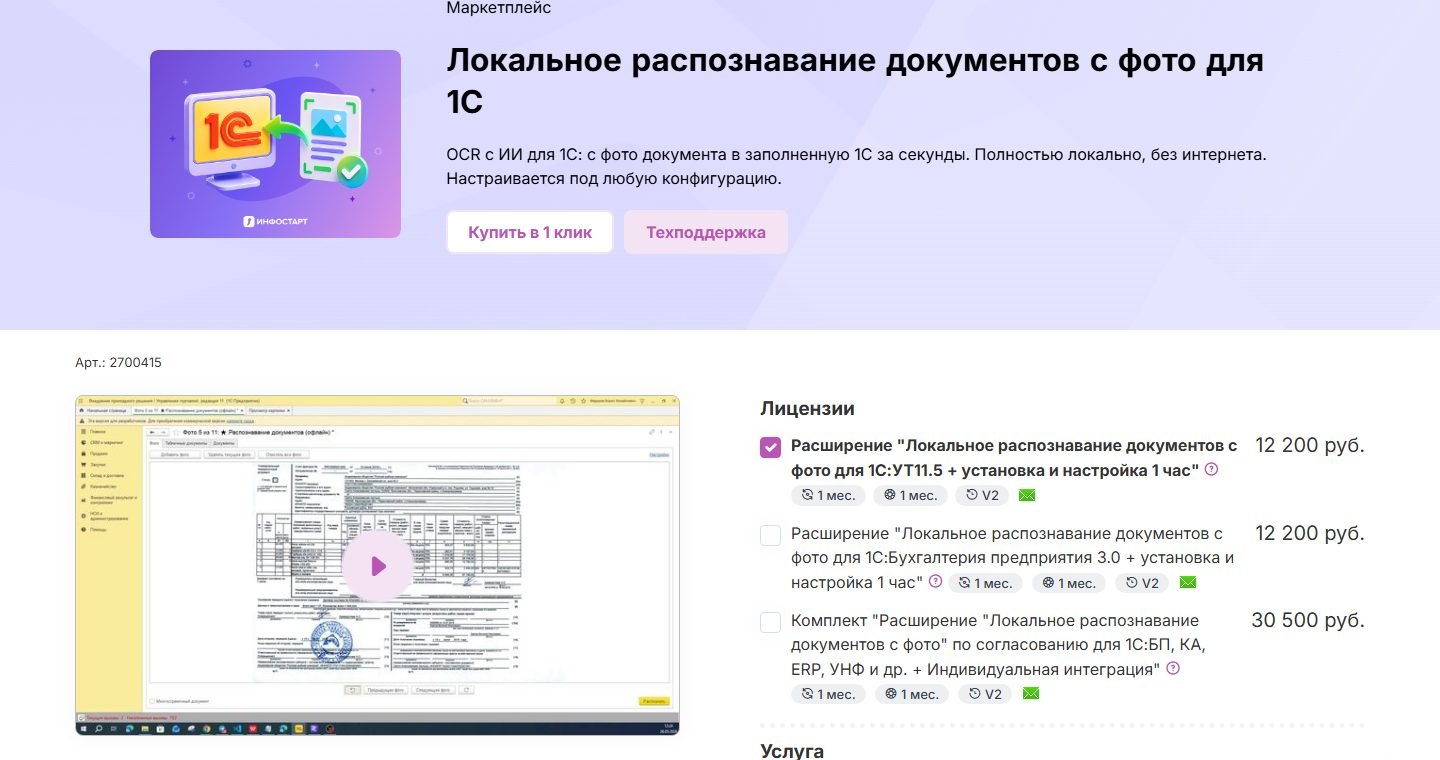
Document recognition for 1C
A 1C extension: a photo, scan or PDF of an invoice fills the document in 30–60 seconds. Local AI, no internet and no cloud.
1C development tools
A working pipeline for 1C: metadata, building processing, extensions, XML export and form testing.
Related articles
Invoice recognition in 1C from photo and PDF: cloud or local AI
If a supplier works through EDI, load the document from XML instead of recognizing it. For paper, scans and photos you choose between cloud OCR and a local AI model. A local model is needed when prices and tax IDs must not leave the company. Test any option on 20–30 of your own real documents.
1C · Oct 30, 20261C and website data exchange: HTTP service or OData, auth, errors
A website can talk to 1C in two ways: the standard OData interface for simple reading and writing of objects, or your own HTTP service for custom logic. Never expose the database to the internet directly: use a proxy with restrictions, a separate user with a narrow role and an exchange with retries and duplicate protection.
1C · Oct 30, 2026Send messages from 1C to Telegram: code, chat_id and pitfalls
Notifications from 1C need a bot, a token and a call to the sendMessage method over HTTPConnection. The hard part is mapping a 1C user to their chat_id, not the sending code. Never keep the token in module text, and move sending to a background job.
FAQ
Do you work with standard configurations?
Yes, I prefer extensions: updating the standard configuration does not break the customization.
Are there ready-made solutions?
Yes. The extension “Local document recognition from photos for 1C” is sold on Infostart: it fills UPD and TORG-12 from photos and PDFs without internet.
Can I connect AI to 1C without sending data outside?
Yes. The model runs locally on the client's computer (LM Studio), so documents and prices never reach third-party servers.
Tell me about your task
Describe what needs to be done, even in a couple of lines. I will reply with questions or an estimate.